Decorating the Hierarchy
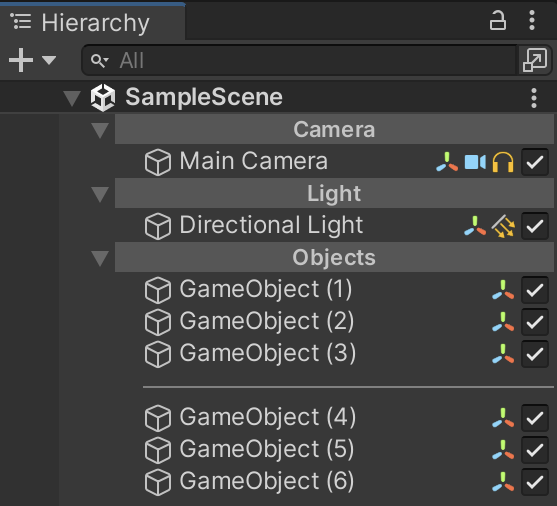
Alchemy allows you to decorate the Hierarchy by adding headers and separators, making it more visually appealing and easier to navigate.
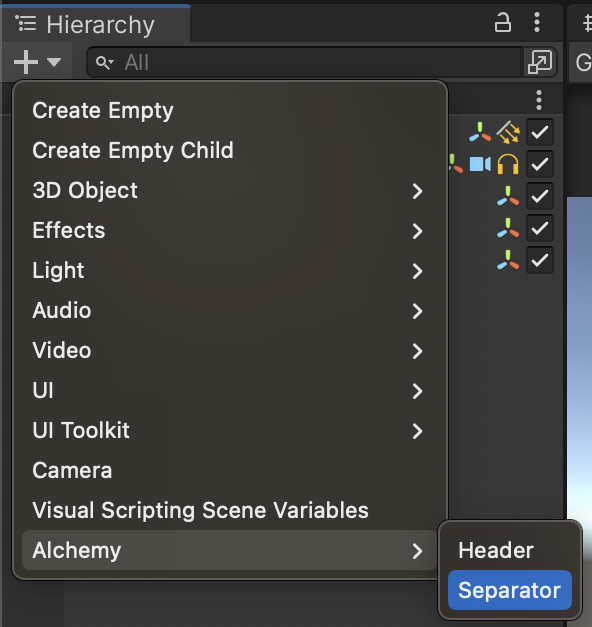
To add headers and separators, navigate to the Hierarchy and click the "+" button, then choose Alchemy > Header/Separator.
Alchemy calls these decorative objects HierarchyObjects. They are excluded from builds. Before a HierarchyObject is deleted, any children are detached using transform.DetachChildren().
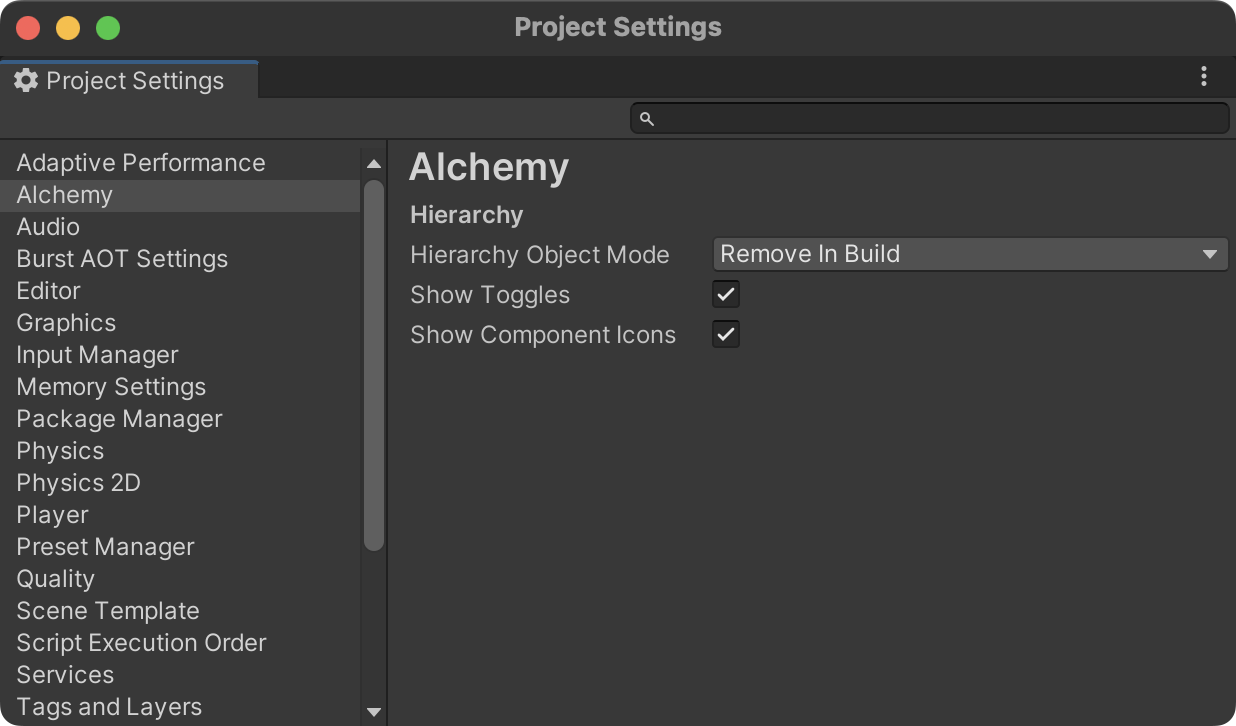
You can configure the handling of HierarchyObjects in the Alchemy settings under Project Settings > Alchemy.
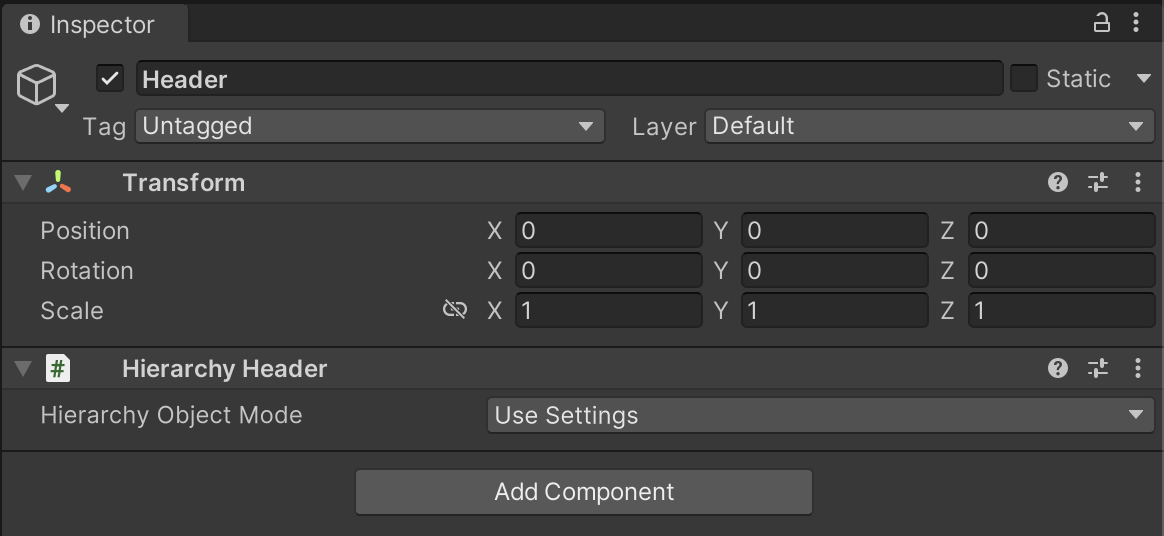
You can adjust the settings of individual HierarchyObjects in the Inspector.